


For over a decade, a group of people with Type 1 Diabetes has been living in the future. While medical device giants were navigating years of clinical trials and regulatory hurdles, a community of "citizen hackers" decided they were done waiting.
They coined the phrase #WeAreNotWaiting. They wrote their own code, bypassed proprietary locks, and built what the industry said was years away: a fully automated, closed-loop insulin delivery system.
In 2026, even though we have fantastic commercial systems like the Omnipod 5, Tandem Control-IQ, and the iLet Bionic Pancreas, the DIY loop T1D movement is stronger than ever. It isn't just about getting a pump to talk to a CGM anymore. It’s about total control, extreme customization, and removing the "invisible load" that commercial systems still leave on your shoulders.
If you’ve ever felt like your pump’s algorithm is too conservative, or if you’re tired of it "correcting" you into a flat line that’s actually 160 mg/dL, this guide is for you.
At its core, a DIY closed-loop system is a "brain" that lives on your smartphone. It takes data from your Continuous Glucose Monitor (CGM) every five minutes, runs it through a sophisticated algorithm, and then tells your insulin pump exactly how much (or how little) insulin to deliver.
It’s essentially building your own artificial pancreas.
Unlike commercial systems, which are "locked" to keep you within a very specific, FDA-approved safety range, DIY systems are open-source. This means the code is written by the community, for the community. You can look at the math yourself. You can tweak how aggressively it handles a high or how quickly it cuts off insulin for a low.
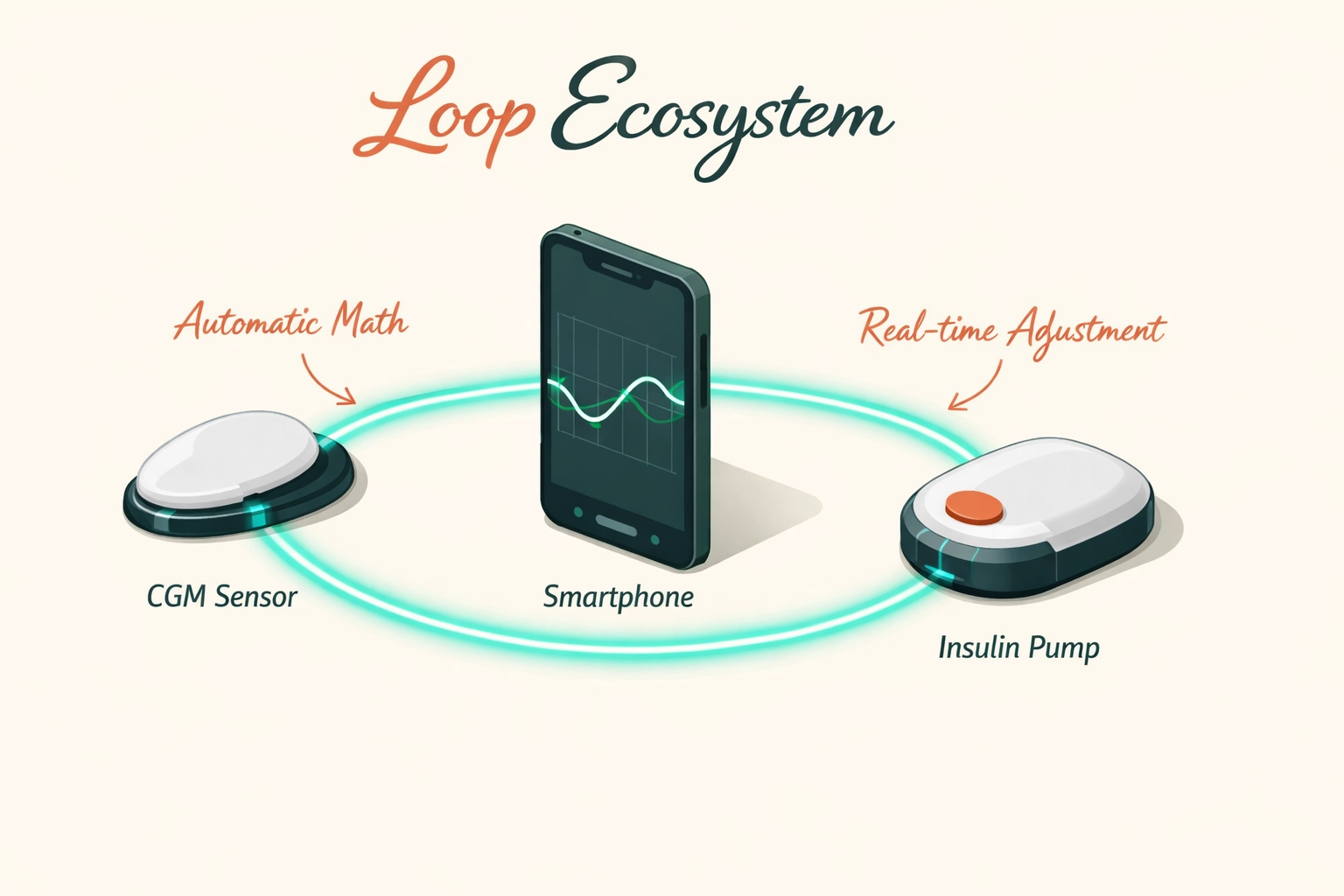
If you’re looking into DIY closed loop diabetes today, you’re likely looking at one of these three platforms. Each has its own vibe and technical requirements.
Loop is the "gateway drug" for many DIYers. It’s built specifically for iOS and feels like a premium app you’d find on the App Store. It requires an Apple Developer account to build the app onto your phone, and it’s known for its clean, intuitive interface.
If Loop is the sleek iPhone, AndroidAPS is the custom-built PC. It runs on Android and is arguably the most powerful system in existence. It has "objectives" you have to pass, mini-exams within the app, to prove you understand the math before the system unlocks its most aggressive features. It allows for incredible automation, including "Auto-Bolus" features that can handle meals without you ever touching a button.
iAPS is a newer player that brings the power of the "FreeAPS" and "AndroidAPS" logic over to the iPhone. It uses a different algorithm (called Oref1) that is designed to be more "set it and forget it" than the original Loop. It’s gaining massive traction in 2026 for its ability to handle unannounced meals with startling accuracy.
You might be wondering: Why would someone spend hours coding their own medical device when they could just buy one from a pharmacy?
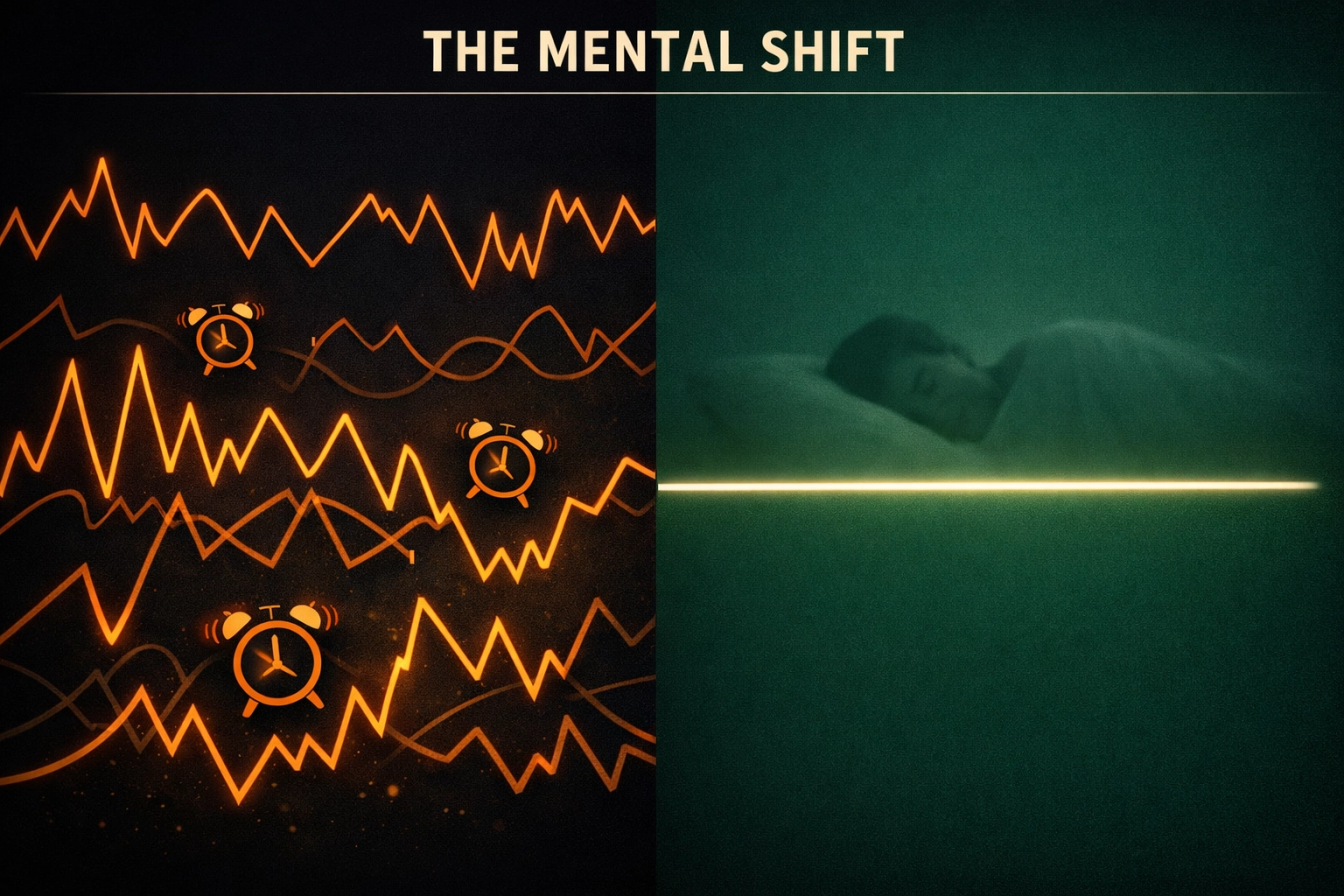
The answer is simple: The "Invisible Load."
Even the best commercial systems in 2026 have "guardrails." They are designed for the "average" patient. But you aren't an average; you’re a person with a unique metabolism, a stressful job, and a life that doesn't fit into a clinical trial's box.
People choose an open source insulin pump setup for:
You can't just download these apps from the App Store. Because they aren't FDA-approved, you have to "build" them yourself.
1. A Compatible Pump
This is the hardest part. Not every pump can be "talked to" by a phone. Many DIYers use older Medtronic pumps (the "gold" ones found on eBay) or Omnipod Dash pods. Some newer pumps are starting to open up, but the hardware is always the bottleneck.
2. A CGM
Usually a Dexcom G6 or G7, or a Libre 3. The loop needs a constant stream of fresh data to make its decisions.
3. The "Bridge" (Sometimes)
If you’re using an older pump that uses radio frequencies (RF) instead of Bluetooth, you’ll need a small device called a RileyLink, OrangeLink, or EmaLink. It sits in your pocket and acts as a translator between your phone and your pump.
4. The Code
You’ll need a computer and about two hours of patience. You’ll follow a step-by-step guide (like the LoopDocs or the AndroidAPS documentation) to "compile" the software and install it on your device.
Let’s be clear: DIY looping is not for everyone.
When you use an AndroidAPS or iAPS setup, you are the manufacturer. There is no 1-800 number to call if the code glitches at 2 AM. There is no insurance company that will take the blame if you enter the wrong carb ratio and bottom out.

The only reason DIY looping works is because of the community. Groups like the Looped Facebook Group or the OpenAPS forums are filled with thousands of people who have already solved the problem you're currently facing.
In 2026, the documentation is so good that if you can follow a recipe for sourdough bread, you can probably build a loop. But the community isn't just for tech support; it’s for the emotional validation of finally seeing a flat line on your CGM after years of rollercoasters.
Whether you use a DIY loop, an Omnipod 5, or manual injections (MDI), the core truth of T1D remains the same: Algorithms are only as good as the data you give them.
A DIY loop is a Ferrari, but if you put bad fuel in it: if your basal rates are wrong or you don't understand how stress spikes you: it’s still going to crash.
At Subseven, we believe that understanding your body's specific patterns is the foundation of everything. A loop can adjust your insulin, but it can't tell you why your Tuesday morning meetings always cause a spike. It can't tell you that your "healthy" lunch is actually hitting your bloodstream four hours later than you think.
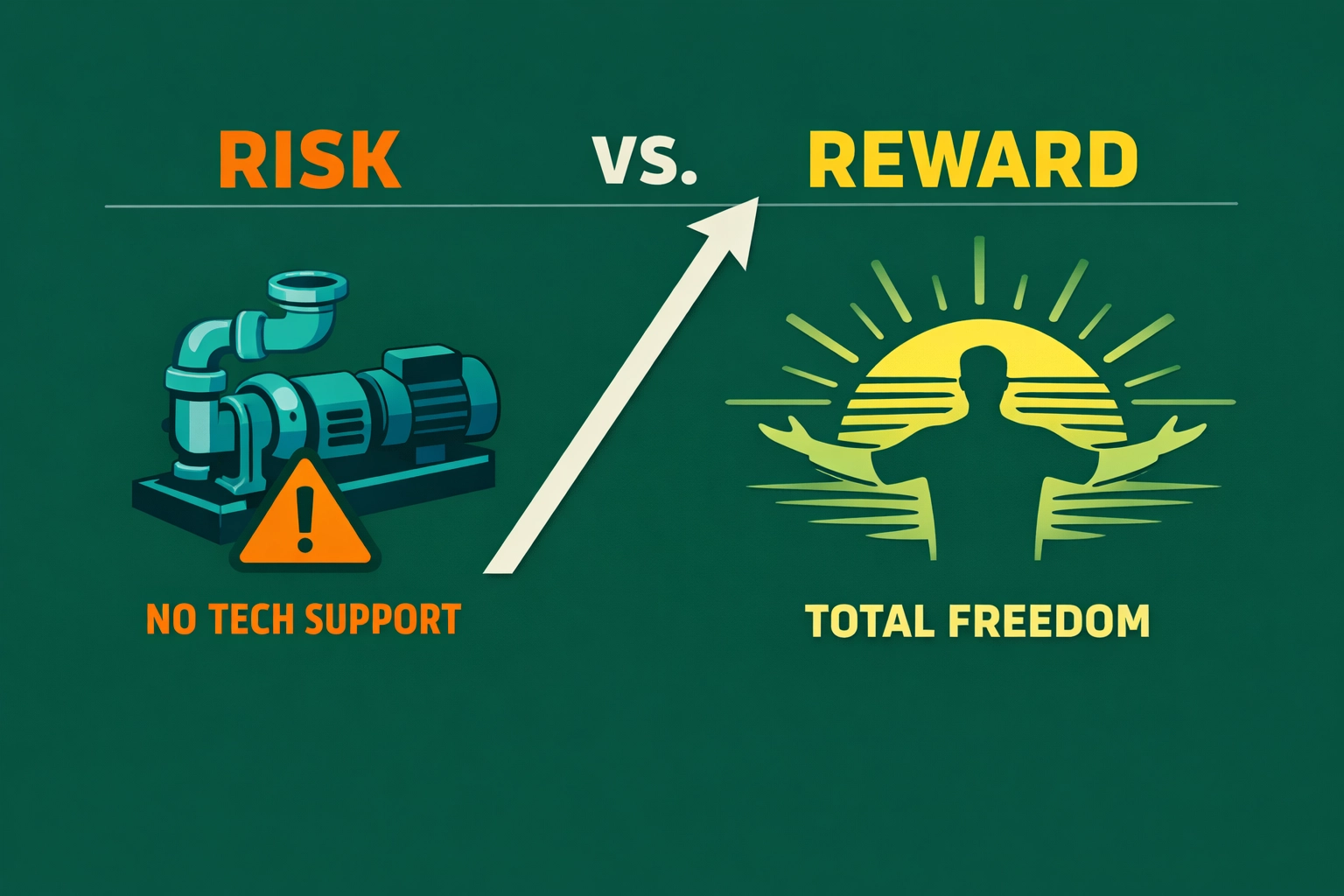
If you love data, aren't afraid of a little troubleshooting, and feel limited by the current commercial options, DIY looping might change your life. It has changed mine.
But if the thought of "compiling code" makes you break out in a cold sweat, stick with the commercial systems. They are getting better every single day.
The goal isn't to have the most "hardcore" setup. The goal is to spend less time thinking about diabetes and more time living your life. Whether you do that through a DIY loop or a simple app that helps you spot patterns, the "Visionary" path is the same: total freedom.
Whatever system you use, remember: You are the pilot. The tech is just the autopilot. Know your patterns, trust your data, and take the stressing and guessing out of the game.
Want to start spotting the patterns that make any loop: DIY or commercial: work better? Download Subseven and start taking the guesswork out of your data today.


